Position Logging Autonomous Robot-ECE4180 Final Project
 James Plager.
0
replies
James Plager.
0
replies
Overview
By: James Plager and Craig Raslawski
For our final project, we created an autonomous navigating robot that tracks its position over time. Logged position data is sent over bluetooth serial interface and displayed in a C# GUI on a supporting computer.
The default behavior of this robot, whose behavior resembles that of a Roomba vacuum cleaner, is to navigate about its surroundings using onboard sensors to avoid collisions with objects in the environment. The option to take manual control of the bot exists. Control can be taken from the GUI on a computer and used to navigate the bot over Bluetooth.
Autonomous navigation utilizes onboard ultrasonic and IR sensors. The ultrasonic sensor is used to detect obstacles in front of the robot, and the IR sensor on the side of the bot detects once it has driven past the detected obstacle.
Components
- LSM9DS1 IMU
- HC-06 Bluetooth Serial Pass-Through Module
- IR Sensor
- Shadow Chassis + DC Motors x2
- HC-SR04 Ultrasonic Sensor
- External Power Sources
- Bluetooth Control C# GUI
LSM9DS1 IMU
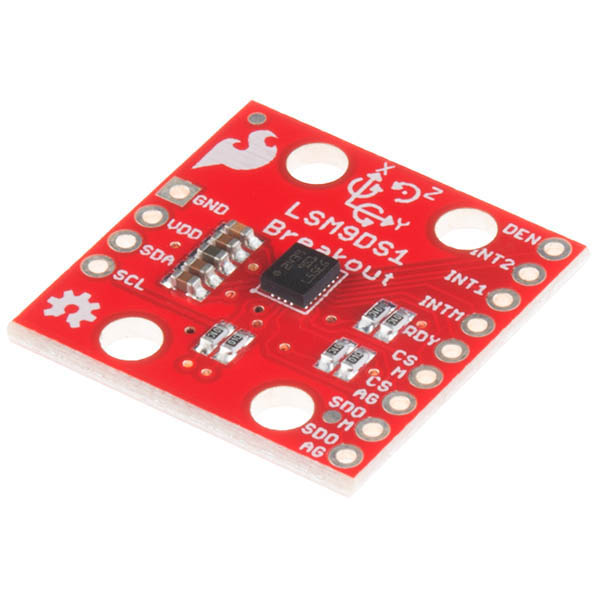
| mbed | LSM9DS1 |
|---|---|
| gnd | gnd |
| Vout | Vdd |
| p9 | SDA |
| p10 | SCL |
Atomic Market HC-06 Bluetooth Serial Pass-Through
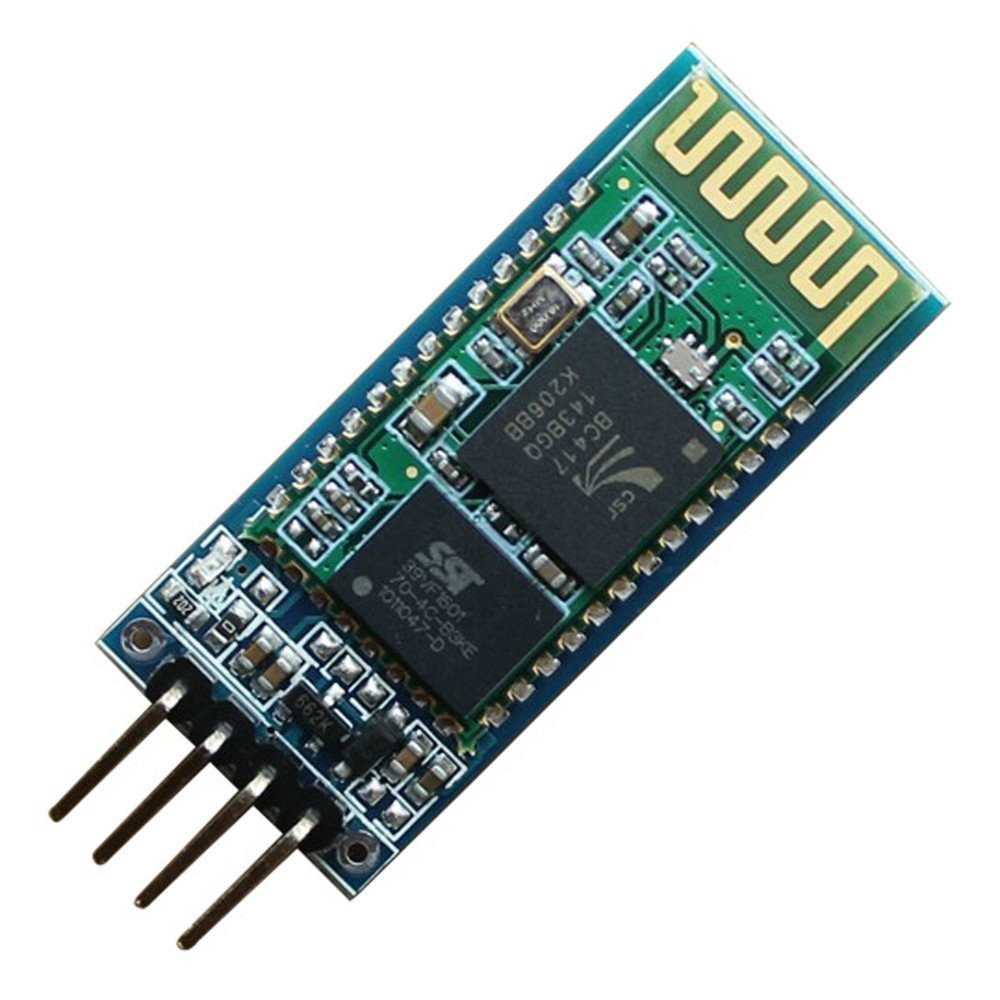
| mbed | HC-06 BT |
|---|---|
| gnd | gnd |
| VU(5v) | Vcc |
| p28 (Serial RX) | TXD |
| p27 (Serial TX) | RXD |
The RXD pin needs to be pulled down to ground.
IR Distance Sensor
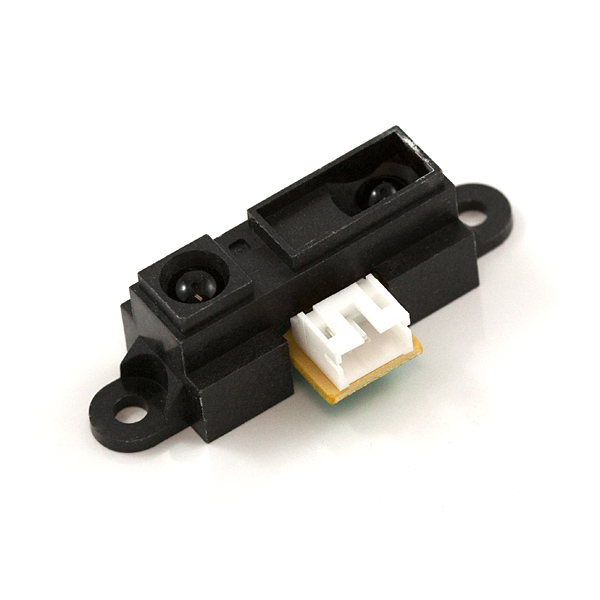
| mbed | Sharp IR |
|---|---|
| Vcc | Vcc |
| Gnd | gnd |
| Signal | p20 |
HC-SR04 Ultrasonic Sensor
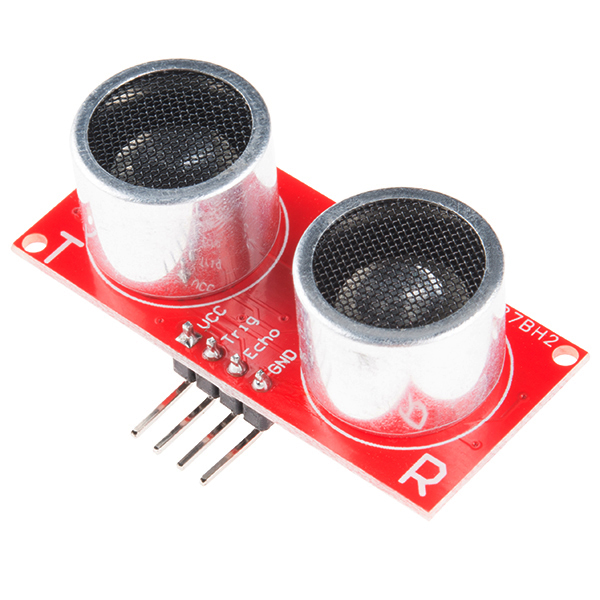
| mbed | Ultrasonic Sensor |
|---|---|
| Vcc | Vu |
| Trig | p29 |
| Echo | p30 |
| Gnd | gnd |
External Power
The two DC motors and Bluetooth module draw more power than the mbed can supply. An external power pack will be needed.
Sparkfun sells an external 4xAA battery holder with a barrel jack that will provide the needed power.
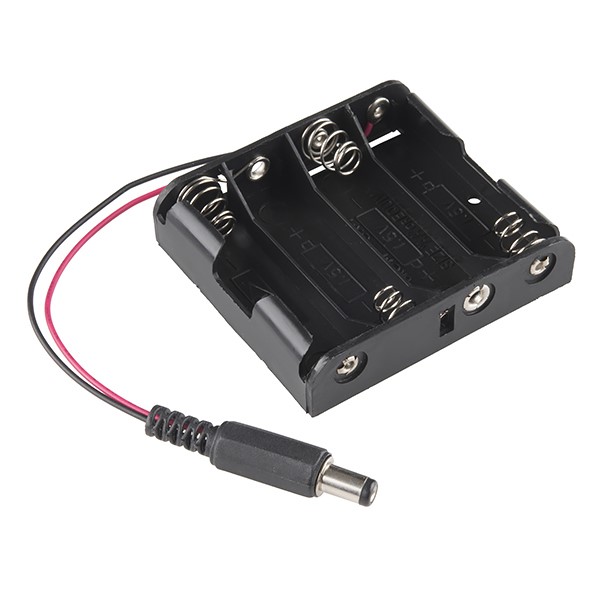
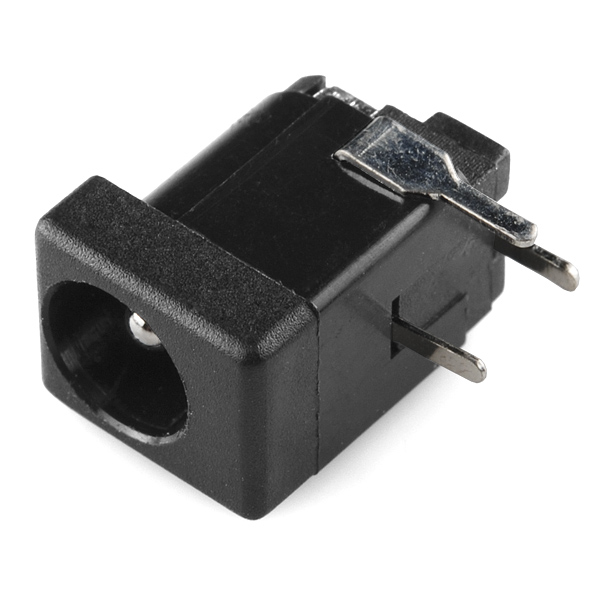
For our solution, we used this and a portable phone charger with a stripped USB cable for independently powering the motors and mbed, respectively.
Demos
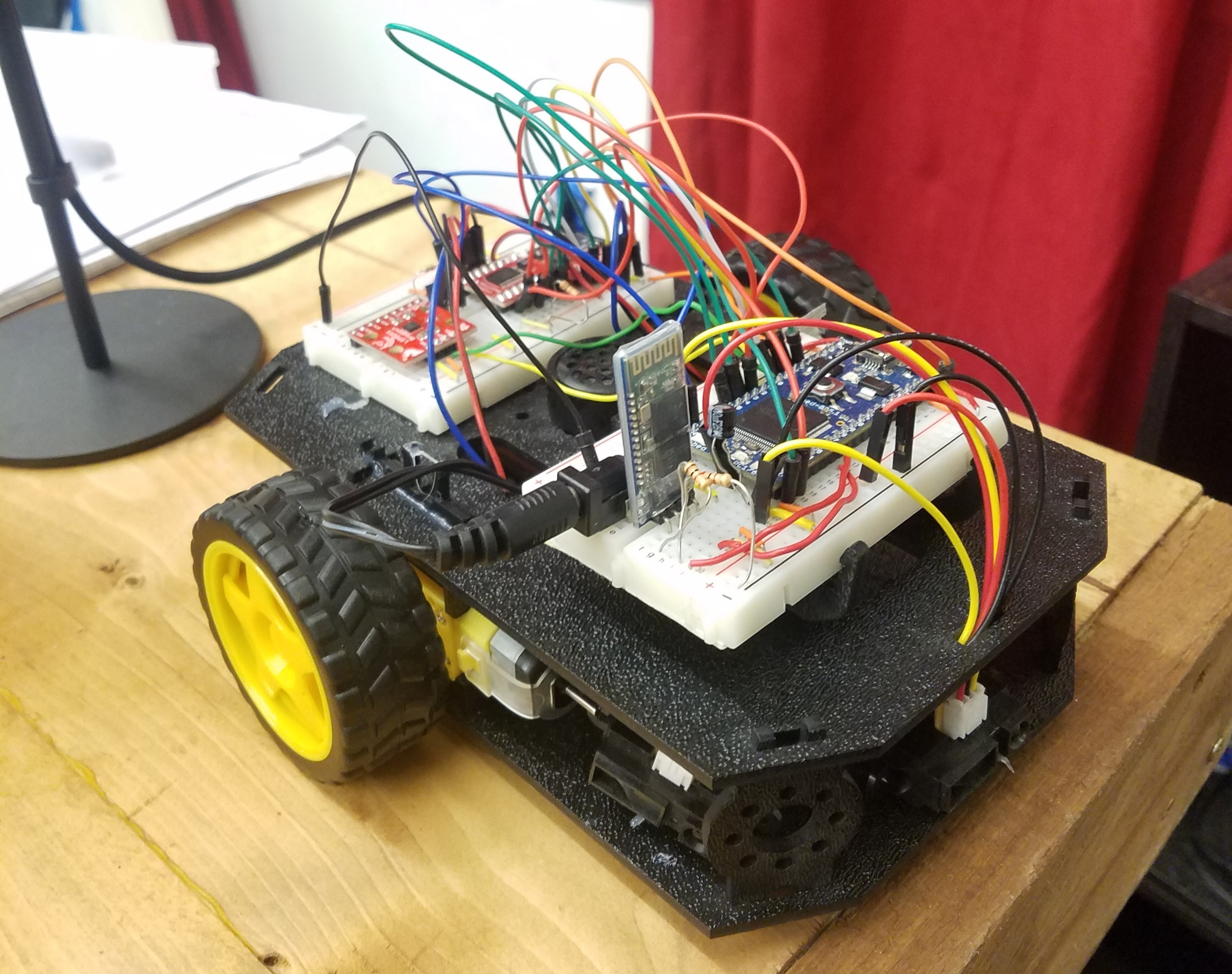
Picture of bot:
GUI Screenshots
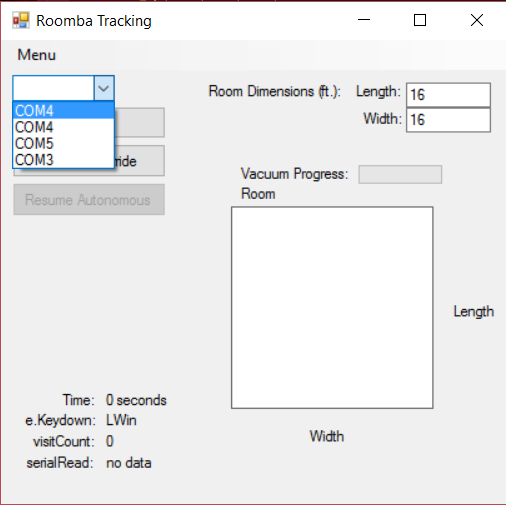
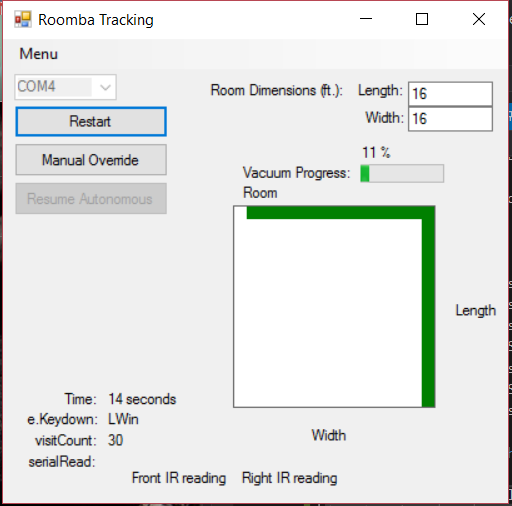
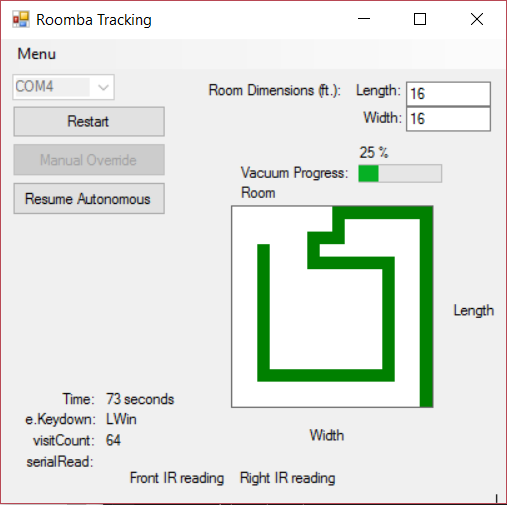
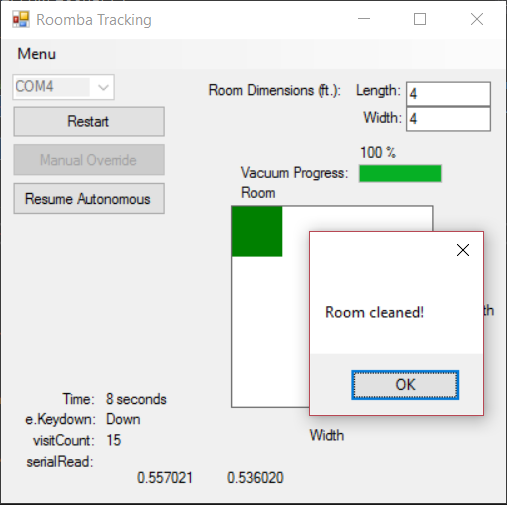
Below image shows GUI setup. You will need to select the appropriate COM port to communicate with the bot.
The "Manual Override" button takes manual control of the bot, and arrow keys are then used to control direction. To start the program, enter the dimensions of the area and press "Begin."
Code
Mbed C++
Please log in to post comments.
Position Logging Autonomous Robot-ECE4180 Final Project
Position logging autonomous exploring robot with manual override for ECE4180 final design project. Craig Raslawski and Alex Plager
Page owner: James Plager
Created 29 Apr 2017.
Last updated 05 May 2017